Portfolio Website Builder for Video Editors
A video editing portfolio should show both the finished sequence and what you contributed to it. Use PortfolioBuild to organize your reel, selected projects, credits and contact details in a website you can update between jobs.
Pair a reel with projects that explain your role
A reel gives a quick impression of your work, while individual projects explain context. Select work that fits the briefs you want next: documentary, commercial, social, music or narrative. A short focused selection is easier to understand than unrelated clips with no credits.
Identify your role on each piece. Editing, color, motion graphics, sound and production may belong to different people. Credit collaborators and distinguish footage you shot from footage supplied for the edit.
- An introduction naming your editing specialty.
- A reel or a clearly labeled link to watch your work.
- Project summaries with format, brief, role and credits.
- Contact details and information useful for an initial brief.
Show an editing decision, not just the software
Explain a problem you faced: simplifying an interview, building a sequence from limited coverage or adapting a longer story to a short format. Describe the decision and show the finished result where you have permission.
Software names can help identify your workflow, but they do not explain the work. If you include a before-and-after comparison, make sure you can share the source material and that the comparison is fair. Never imply you directed or shot a piece because you edited it.
Illustrative project description: “I edited a two-minute interview from supplied footage. My role covered selecting the story, assembling the sequence and adding captions. I used cutaways to shorten repeated answers while preserving the speaker’s meaning. Camera, music and final color were handled by collaborators.”
Make the work easy to watch
Use a recognizable thumbnail and a descriptive title. When a project opens on a video platform, check its public visibility and playback while signed out. Add enough text on your portfolio that a visitor can understand the project before opening the video.
Avoid making autoplay with sound the only way to encounter your work. Provide captions or an appropriate text summary for dialogue-led pieces. Test links on a phone and check that a removed or private video does not leave an unexplained gap.
Build around the next kind of brief
Lead with the project that best matches your target work. Describe the deliverables you can discuss, such as a main edit, shorter cuts or captioned versions, without promising a fixed turnaround before seeing the footage.
Choose a video-editor template in PortfolioBuild, add the relevant project material and review the preview before publishing. Build your draft free; choose Entry or Pro to share a public site. Keep links and credits current when collaborators change video hosting or access.
A video-editor portfolio example to explore
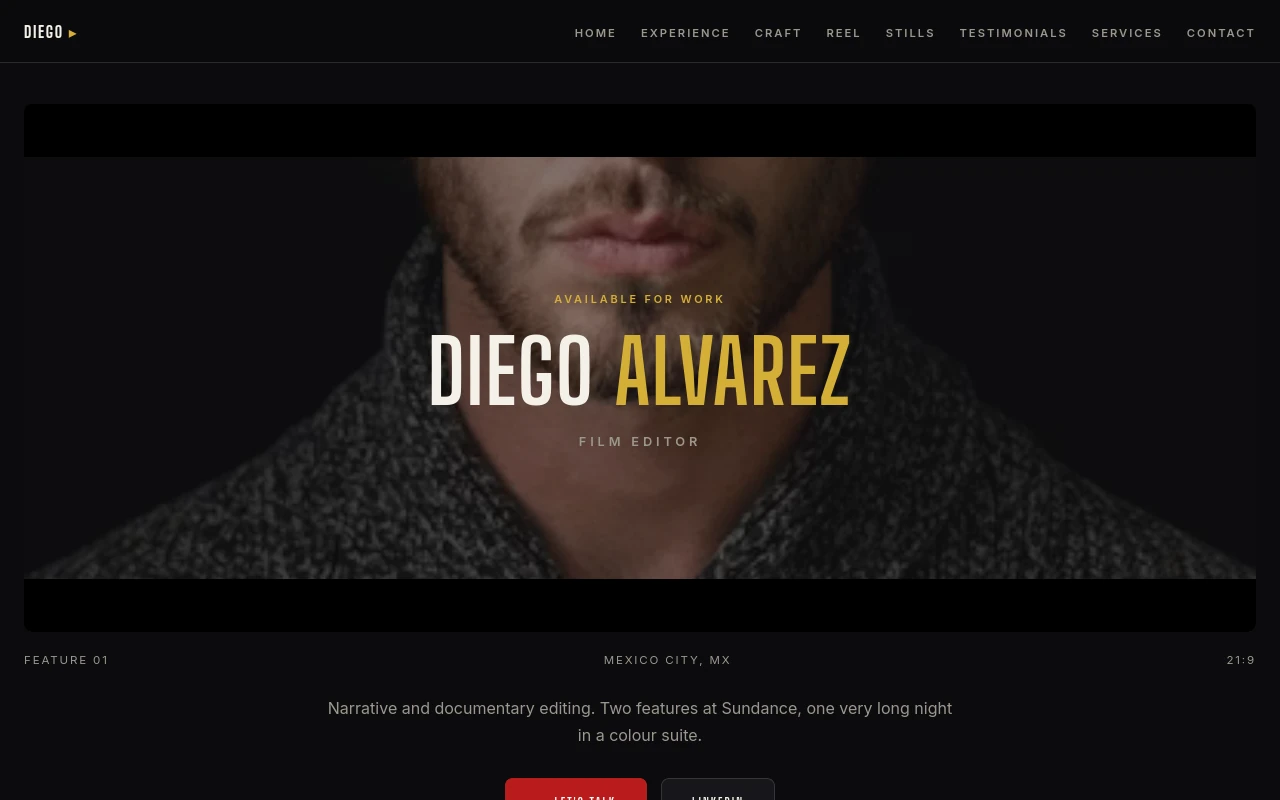
Diego Alvarez’s film editor demo uses the Video Cinema template. Study how the layout introduces the editor and leads into projects. The persona is illustrative and does not establish real production credits.
Before you publish
- Every video opens for a visitor who is signed out.
- Credits distinguish editing from shooting, color, sound and motion work.
- The project text explains a decision behind the finished edit.
- Thumbnails and supporting text still work when a video cannot load.
Frequently asked questions
Is a showreel enough for a video portfolio?
A reel can introduce your style, but selected projects with a brief, your role and credits give a reader more context. Include a text description alongside links to watch the work.
Can I show collaborative film work?
Only share work you have permission to publish. State your own role and credit collaborators so visitors can understand which parts of the finished piece demonstrate your skills.
Keep building your portfolio
Build a portfolio around your work
Choose a template, import your CV if you have one, and edit your projects. Free includes one private draft. Entry is $2/month for one published portfolio; Pro is $5/month for up to five. Both paid plans support your own domain; domain registration is separate.